
A Heated Rivalry: Claude Code + OpenAI Codex
How competing models actually cooperate

Last week, I wrote about learning to love the terminal and realized I didn’t go into detail about something that’s been key to my workflow… using another agent to review claude’s code.
I read somewhere on reddit that Codex was great at finding bugs, so, I decided to try it out. After Claude Code finishes building something, I run it through OpenAI’s Codex for a second pass. Not to rewrite anything... just to review.
Felt silly at first. Two chefs in the kitchen. But it works! And it’s become a habit in my workflow.
Fresh Eyes
Claude Code is great at building stuff. It holds a ton of context, knows my patterns, has skills, mcps, and generates super fast.
Well, actually… maybe a bit too fast. Eager to hand things back… it has a bias to ship lol
It’s very common for little things to slip through. A subtle bug. An edge case. A screen not connected to anything. A button that was put there but not linking anywhere. UI AI slop.
And, since Claude built the thing, it’s not great at finding its own blind spots.
Codex approaches the code like a stranger. No history of why decisions were made. Just “does this actually work?”
And it catches stuff that Claude either decided to ignore or just didn’t think about. Unhandled null cases. Logic that works for the happy path but breaks elsewhere.
The Workflow
Honestly, how to do this is way too simple/dumb, but I’ll still explain lol.
I build with Claude Code (duh). When I think it’s done, I ask Claude to give me a summary of all the changes, the commits, the PR (if one), on what branch we’re working, so that a dev can review this (yeah, I tell it another dev is gonna review its code). Then, I paste the summary into Codex…
I just open a new terminal tab, same folder/branch, type codex, and, before pasting the context, I add my GENIUS PROMPT ENGINEERING: “review this” lol. You don’t need to clarify “find bugs, edge cases” or anything, codex is already optimized to find all of that.
Then, the usual output Codex gives me is a list of findings, from high to low priorities, and it even asks questions, to know if its findings are intentional and adjust if needed.
I set Codex’s model to gpt-5.2-codex, and the reasoning level to Extra High (do this with the command /model.) This model can quickly consume Plus plan rate limits, but, since I only use it for reviewing, not for writing code, I have never hit the limit.
Disclaimer… this will take some time. Codex is usually slow, but I believe the output is top quality, so it’s worth the wait.
When done, I review, see what’s actually relevant, answer any question Codex asks that might improve the result, and then just copy-paste the findings back to Claude Code to fix.
Adds maybe 5-10 mins to your process, but this catches stuff that would potentially have been a pain in the butt to debug later
Anyway
I didn’t plan this. I just noticed the output quality went up as I ran things through this second model before calling them done or shipping to production. The workflow we use doesn’t have to be super clever. It just has to work.
Recently, I’ve been experimenting with adding layers, artboards, and other basic design tooling to my little app, Efecto, and Claude kept running into the same errors in a loop, with an unusable implementation of a webgl canvas… it was Codex who suggested a better approach, and that allowed Claude to continue with that direction. This approach can really help a model get out of a rut.
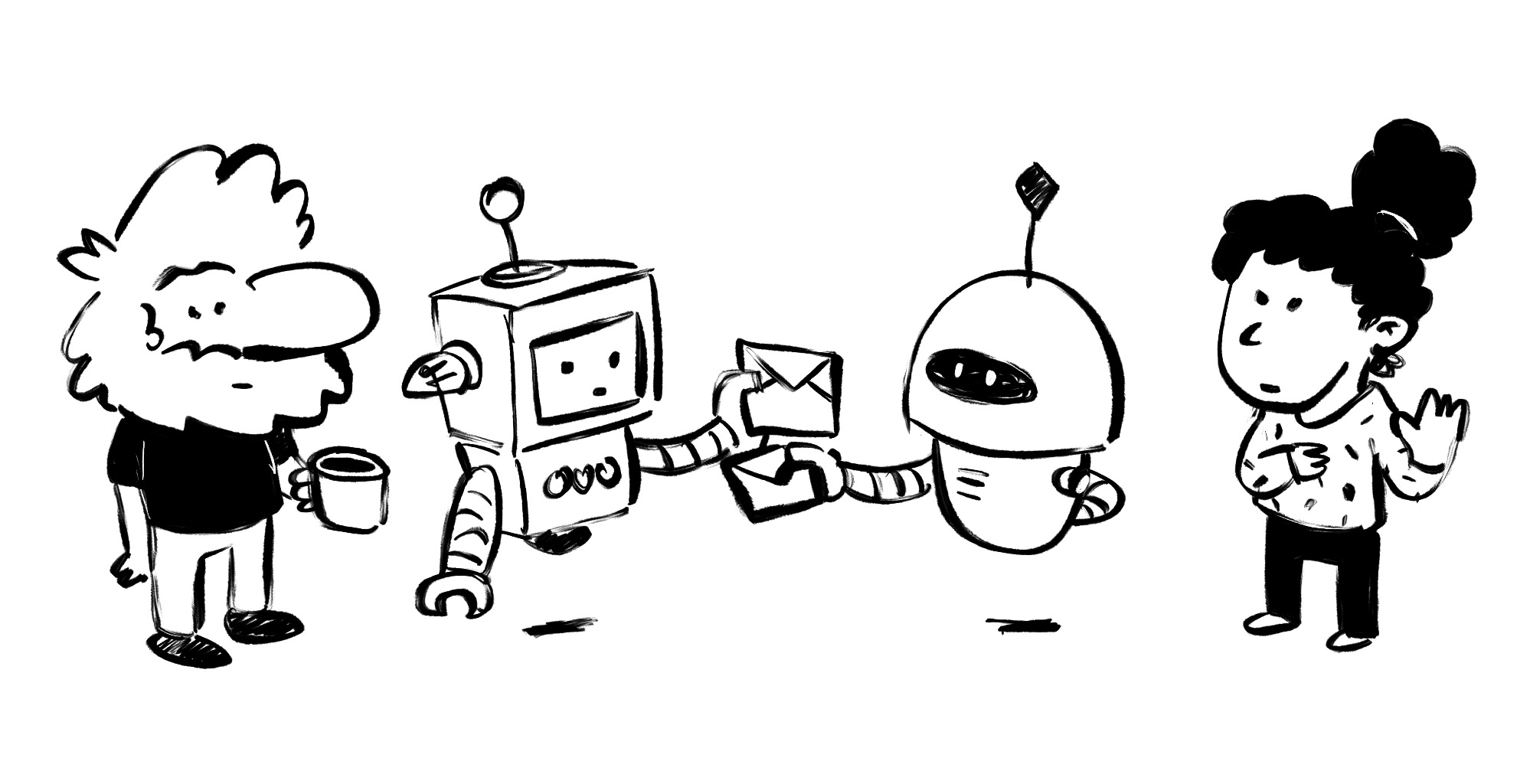
These models are made by competing companies, but as a user, these llms don’t compete, but cooperate.
This is a follow-up to How I Stopped Worrying and Learned to Love the Terminal. Also, try some tools I’m involved in: v0 (where I work) and Efecto (side project)